Skip to the desk
Independent reading desk · information only [email protected]
DESK NOTE 01READ BEFORE YOU VERIFY

A calmer way to understand verification

Virtual-number questions deserve a real-world pause.

Bifudaro is an English-language information studio for people weighing app verification, gaming profiles, community access, and testing workflows. Start with the rules, the privacy trade-offs, and the account you are responsible for.

No checkout or number inventory Browser-only inquiry
Person using a phone at a blue desk
COUNTER VIEWBegin with context, not a shortcut.

01 / Desk ticket

Explain first. Then choose the question.

A ticket does not open a service. It simply focuses the reading panel below on the kind of decision you are trying to understand.

A-01 / APP SETUPREADING PANEL

Set up an app account without losing the thread.

Before changing any contact detail, read the app's own verification and recovery rules. Consider whether the account needs durable access, what personal data the platform connects to it, and whether a conventional method is safer for your situation.

Useful questions
  • Does the platform permit this method?
  • How would recovery work later?
  • What identity details are linked?
Desk position

Choose lawful, account-owner actions. We do not provide numbers or advice for evading platform controls.

Privacy boundary

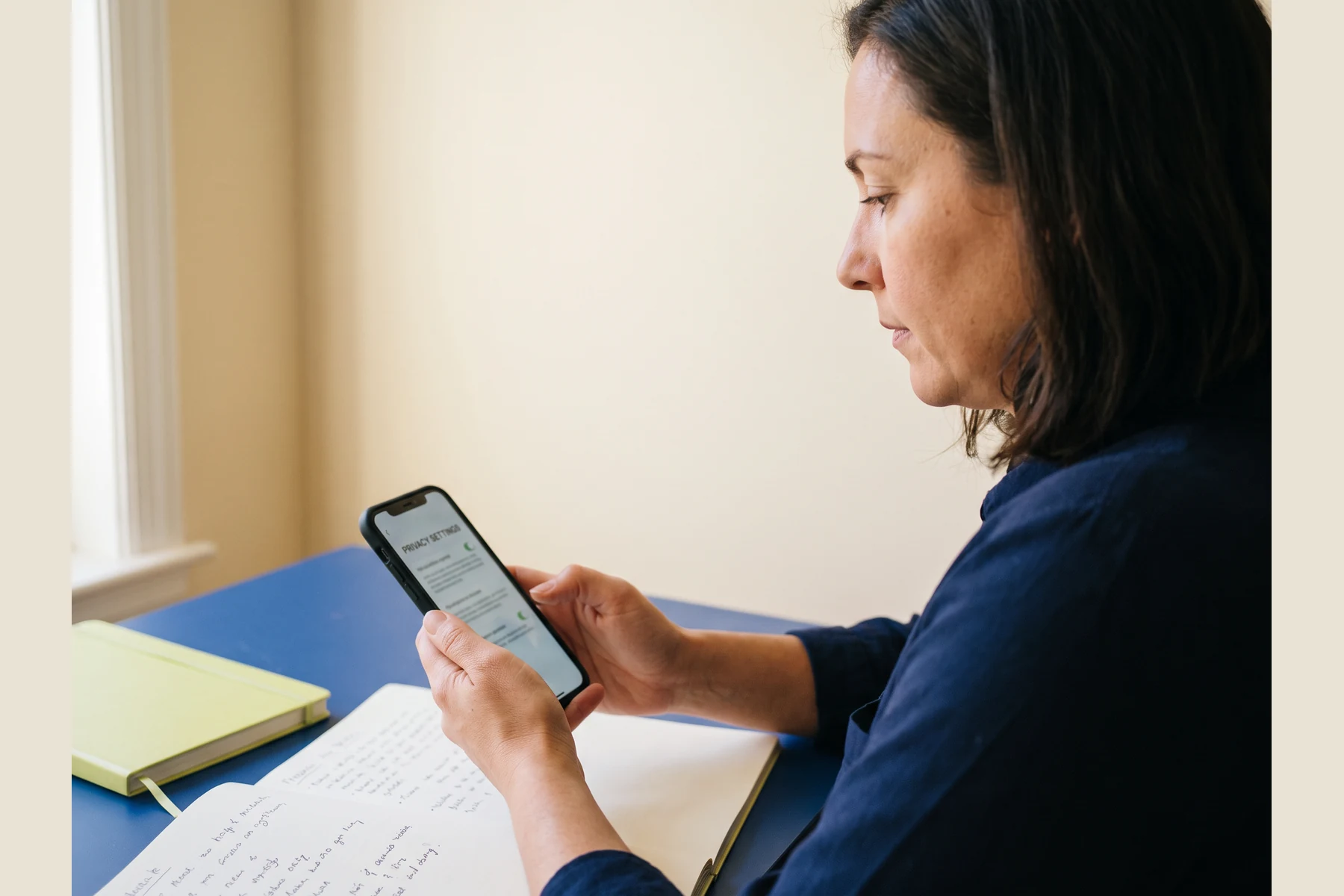
A verification code can be sensitive personal information.

Do not post codes, passwords, recovery links, or account identifiers in an inquiry. Bifudaro does not process payments, activate numbers, or receive verification codes.

Phone and a stack of blank paper on a cobalt surfacePerson considering a phone in a bright room
FIRST READ
BEFORE ACTION

02 / First read

The useful question is often not “Can I?” but “What does this account need?”

Verification can protect an account, but it can also create a dependency. Treat the decision as a small piece of account architecture: who owns the profile, what happens when access changes, and what the platform says about contact information.

01

Read the official policy. Platform rules define whether an approach is allowed; a workaround is not a substitute for permission.

02

Plan for recovery. If a device changes or access is challenged, the account owner should have a clear, legitimate path back in.

03

Share less by default. A verification decision should not require sharing codes, credentials, or private profile details with anyone else.

03 / Evidence & care

Four steady steps for a high-friction moment.

These are reading prompts, not instructions for defeating safeguards. Stop if a workflow conflicts with a platform's terms, local law, or another person's rights.

01

Check the rule

Locate the platform's published verification, account, and recovery guidance before making a change.

02

Confirm ownership

Only act on an account you control or administer with clear authorization from its owner.

03

Protect the secret

Keep codes, password-reset links, and device prompts private—even in a support conversation.

04

Keep a record

Note the official page consulted and the recovery details you are permitted to retain.

A calm blue desk with a phone and an alarm clock

Desk cue: A moment of verification can feel urgent. A short pause to check the official route is often the most privacy-aware move.

04 / Context comparison

Region and purpose are different questions.

Geography may affect service rules, data handling, or availability. Purpose affects the account's risk and recovery needs. Neither alone establishes what is permitted.

Printed paper slips beside a phone on a blue tray
Compare the context, not a promise.
ContextWhat to clarifyPrivacy-aware next read
Region
Where the account is governed
Local rules, platform eligibility, and how contact data may be handled.Read the platform's region-specific help and privacy notice.
Purpose
Why verification is requested
Whether it is for sign-in, recovery, moderation, age checks, or a test environment.Match the method to the account's actual, permitted purpose.
Account owner
Who is accountable
Whether the person acting can receive notices and complete recovery legitimately.Use owner-controlled recovery routes and document authorization where appropriate.
Data exposure
What the platform receives
Which identifiers, device details, and logs may be associated with the action.Minimize what you disclose and never share a one-time code.

06 / Request checklist

Filter the question before you write it.

Select a context. The desk will show a short checklist for composing a safe, information-only inquiry.

Do not include codes, passwords, recovery links, billing details, or personal identification in any message.
A-01App setup reading list3 prompts

Frame an ownership and recovery question rather than asking for a shortcut.

07 / Responsible-use boundaries

The desk has clear limits.

Bifudaro is built for informed, lawful account decisions. This site is not a transaction point and is not a way around another service's safeguards.

We can discuss: general privacy considerations, how to interpret public policy language, account recovery planning, and how to frame a non-sensitive question.

We cannot help with: bypassing verification, accessing an account you do not own, impersonation, fraud, or obtaining or activating a number.

When to stop: if a platform prohibits the action, authorization is unclear, or the next step would expose a code, credential, or someone else's private information.

Read the terms of this information desk

08 / Questions at the counter

Answers without a hard sell.

These notes are general information. For a platform-specific decision, read that platform's current published rules and support materials.

Bifudaro is an information studio. It offers a structured way to think about virtual-number questions connected with app verification, communities, games, and authorized testing. It does not sell, assign, activate, or guarantee access to numbers, and it does not operate a checkout. The purpose is to help readers pause, understand risks, and choose an official and responsible next step.

No. Acceptance depends on the particular platform, its current policies, the account context, and sometimes regional requirements. A method that appears technically possible may still conflict with a service's terms or may create recovery problems later. Read the platform's official guidance, use only an account you are authorized to manage, and do not treat general information as permission to bypass a verification requirement.

Never include a one-time code, password, password-reset link, full phone number, account identifier, payment detail, government identifier, or screenshot that exposes private information. An information-only inquiry should stay high level: describe the type of account, the general policy question, and the official resource you have already reviewed. If support for a platform asks for account evidence, provide it only through that platform's authenticated channel.

No. The form is a browser-only writing aid. When you submit it, the page shows a local confirmation in your browser and does not claim that an email was sent or that a request was created. It is useful for rehearsing a careful question before you decide whether to contact a relevant platform through its official support route.

09 / Browser-only inquiry

Draft a safe question. Keep control of it.

This form stays in your browser. It does not send email, open a support ticket, process an order, or store a submission.

Prefer email for a general site question?
[email protected]
Do not send sensitive account or verification information.

Do not enter codes, passwords, account IDs, phone numbers, or recovery links.